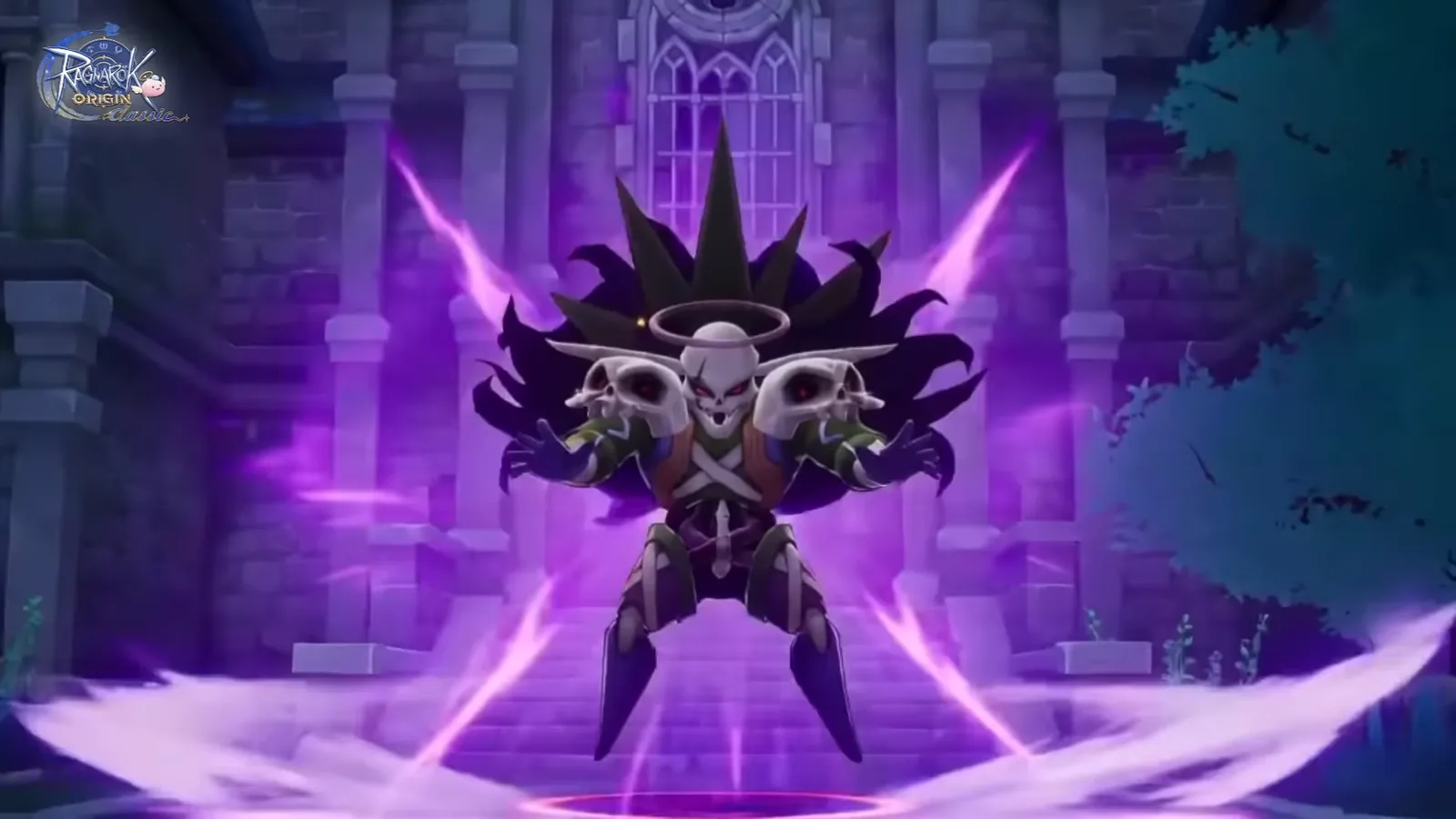
Ragnarok Origin Classic (ROOC) cloud phone — AFK 24/7 on AFKPal
ROOC runs on AFKPal. Match your cloud phone's region to your server, install the official Google Play build, and leave your character hunting while your own phone stays free.
Ragnarok Origin Classic is supported on AFKPal
Install the official Google Play release on your dedicated AFKPal cloud Android, use the game's built-in farming features, and disconnect without stopping the cloud phone.
Ragnarok Origin Classic runs on AFKPal — around the clock
Gravity's Ragnarok Origin Classic (ROOC) is the classic take on Ragnarok Origin: you grow with a Monthly Pass instead of gacha, all 14 Trans. 2nd jobs are available, and dungeons are where the loot is — "everything can drop." It launched for Southeast Asia, Korea, Taiwan, Hong Kong and Macau on 26 March 2026, and for the Americas on 23 July 2026.
ROOC runs on AFKPal. Install the official Google Play build on a dedicated cloud phone, set up your character, and close the viewer. The game keeps running on the cloud phone while your own phone stays free.
Pick the AFKPal region that matches your ROOC server
AFKPal runs cloud phones in Singapore, Malaysia, Japan, the United States, Germany and Brazil. You choose the region when you start your phone. For ROOC, match it to the server you play on:
| ROOC version | Players | Google Play package | AFKPal region |
|---|---|---|---|
| ROOC Asia (since 26 Mar 2026) | Southeast Asia, Korea, Taiwan, Hong Kong, Macau | com.gravity.rooc.android |
Singapore or Malaysia; Japan for Korea, Taiwan, Hong Kong and Macau |
| ROOC Americas (since 23 Jul 2026) | US, Canada, Mexico, Brazil, Chile, Colombia, Argentina, Peru | com.gravity.roocam.android |
United States for North and Central America; Brazil for South America |
Both versions are cross-server inside their region. Asia plays together across Southeast Asia, Korea, Taiwan, Hong Kong and Macau, and the Americas server runs "from New York to São Paulo." Pick the AFKPal region closest to you: the stream to your phone stays responsive, and the cloud phone sits on the same continent as your game server.
Why ROOC fits an AFKPal cloud phone
ROOC progression is leveling, dungeon runs and loot. Gravity's own listing says MVP cards and rare headwear come from drops and that "dungeons are the best shop." That means long sessions with the game open. On your daily phone, that ties up the screen, heats the device and drains the battery.
With AFKPal, ROOC runs on a separate Android phone in the cloud:
- Your main phone stays free. Closing the AFKPal viewer does not close the cloud phone.
- Leave-on sessions continue 24/7. The cloud phone stays powered and online while you work or sleep. ROOC still needs its client running — this is leave-on play, not an offline idle timer.
- No battery drain or heat on your device. Your phone only streams the screen while you watch.
- Your setup persists. The game, account, settings and character stay on your dedicated cloud phone between sessions.
- Check in from anywhere. Reconnect from iOS, Android or a modern browser.
- Official Google Play install. Use Gravity's listing, not an APK mirror.
How to set up ROOC on AFKPal
- Create or sign in to your AFKPal account and start a cloud phone in the region from the table above.
- Open the cloud phone from the AFKPal app or the web dashboard.
- Open Google Play, search for Ragnarok Origin Classic, and check the package:
com.gravity.rooc.androidfor Asia orcom.gravity.roocam.androidfor the Americas. - Install it, download the extra game data, and sign in to your account.
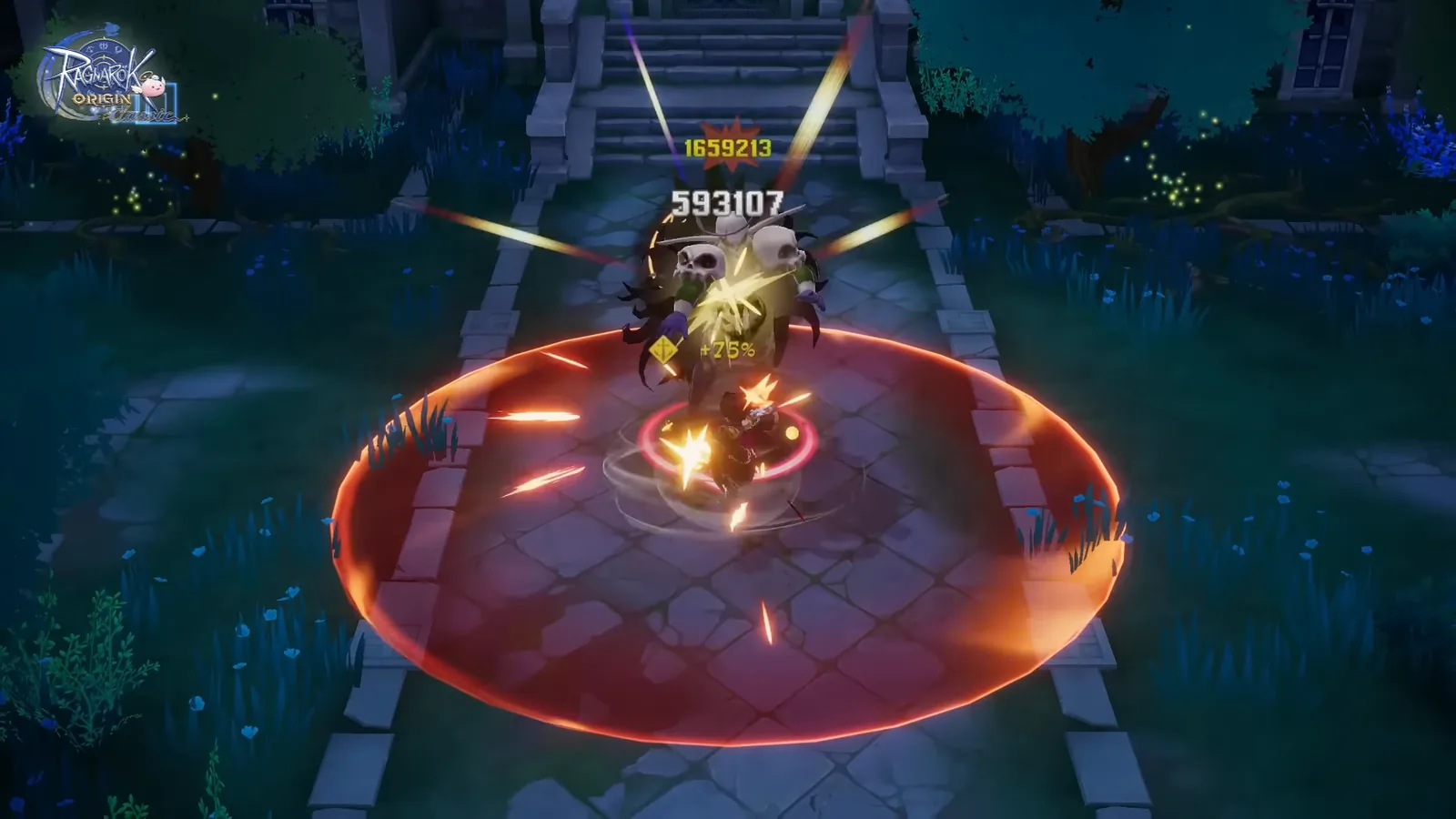
- Load your character and set up Auto mode the way you want. Gravity's official Game Preview shows an Auto Mode Range setting, so you can keep your character inside a hunting spot it can handle.
- Check potions, weight and bag space, then start hunting.
- Close the AFKPal viewer. Don't power off or restart the cloud phone — ROOC keeps running there.
- Come back later to sell loot, restock, claim rewards and join guild or party content.
A practical leave-on routine
Pick a map your character clears reliably. A slightly easier spot that runs all night usually beats a dangerous one that ends in deaths or a full bag. Make sure potions and free weight will last the whole session before you disconnect.
Save the content that needs you for when you're watching: team dungeons, guild wars (up to 80v80, per the official listing) and tournaments such as the Tyr Cup. The cloud phone keeps the game ready; you take over the live fights.
What to look for in a ROOC cloud phone
| What matters for ROOC | AFKPal |
|---|---|
| A server near your ROOC region | Singapore, Malaysia and Japan for Asia; the US and Brazil for the Americas |
| A dedicated device | One private cloud phone per plan, never shared |
| Official Google Play | Full Google Play services on board |
| Keeps running after you close the app | Online 24/7 for the whole billing period |
| Check progress anywhere | iOS, Android and web browser |
| More than one character | Add another plan for another phone |
What AFKPal does — and what it does not do
AFKPal provides the cloud phone, its storage, Google Play, and encrypted remote viewing and control. It does not modify ROOC, inject code, run bots or macros, bypass anti-cheat, or guarantee drops or progress.
Use ROOC's own features, follow Gravity's terms — including its rules on multiple accounts and third-party programs — and keep your login safe. AFKPal is the always-on phone; ROOC remains the game.
ROOC FAQ
Is AFKPal a good cloud phone for Ragnarok Origin Classic?
Yes. ROOC runs on AFKPal's dedicated cloud phones from the official Google Play build, stays online 24/7 after you close the app, and you can place the phone in Singapore, Malaysia, Japan, the US or Brazil to match your ROOC server.
Which AFKPal region should I pick for ROOC SEA?
Singapore or Malaysia. Players in Korea, Taiwan, Hong Kong or Macau on the same Asia server can pick Japan.
Is ROOC the same game as Ragnarok Origin (ROO)?
No. ROOC is a separate Gravity game and app with its own servers and Monthly Pass economy. Both run on AFKPal — install the one you play.
Can I run more than one ROOC account?
Each AFKPal plan is one cloud phone, so two characters running at once means two phones. Check Gravity's current rules on multiple accounts first.
Does ROOC keep running when I close AFKPal?
Yes. Closing the viewer only stops the stream. The cloud phone and the game keep running until you stop them.
Official information
Checked against Gravity's official listings and announcements on 2 October 2026.
- Publisher: GRAVITY Game Vision, Gravity's Hong Kong subsidiary. Available on mobile and PC.
- ROOC Asia launched on 26 March 2026 in Korea, Taiwan, Hong Kong, Macau and Southeast Asia. Android package:
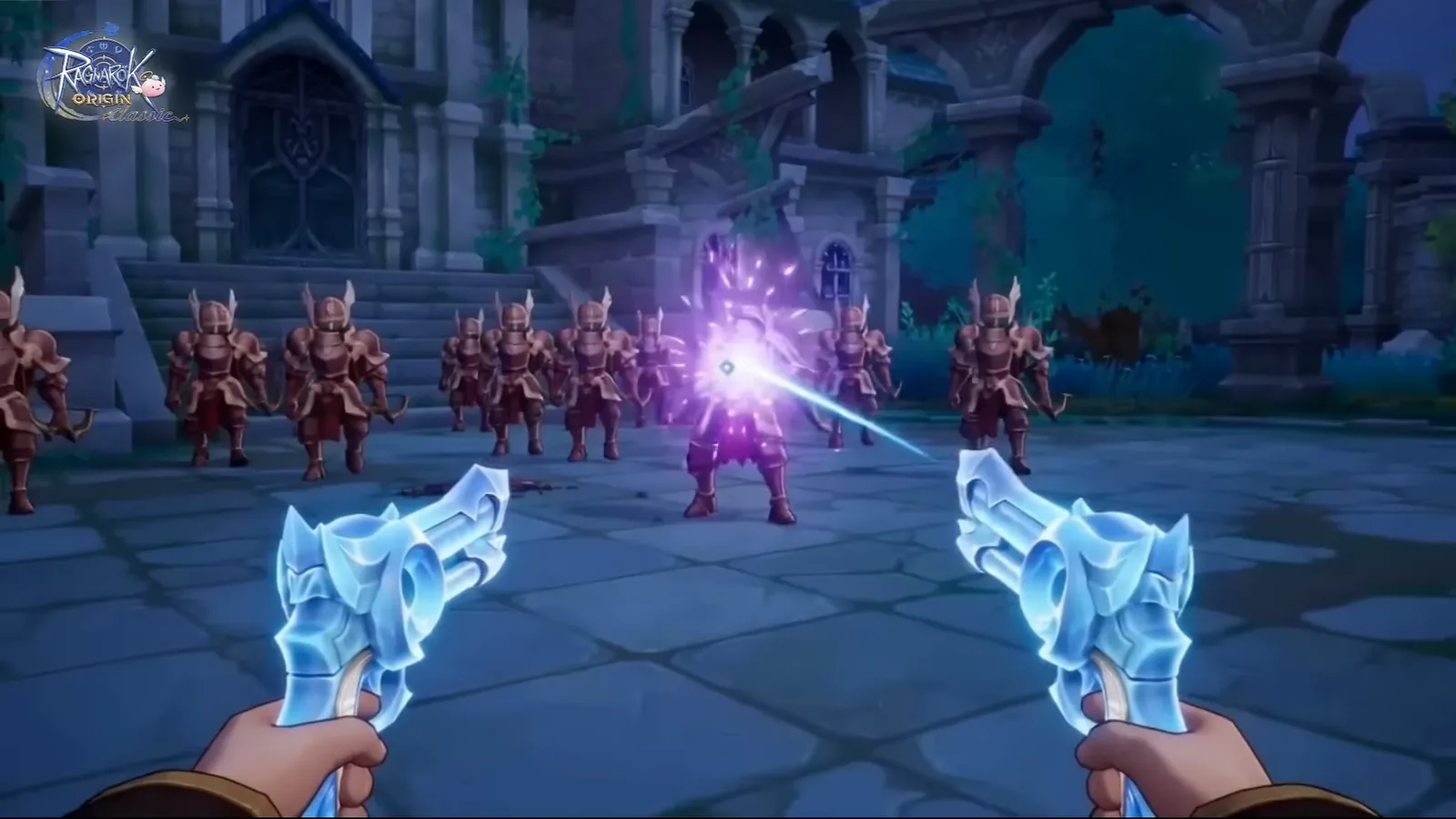
com.gravity.rooc.android. The current expansion, Shadows over Glast Heim, added the Gunslinger job and the Draconic Cataclysm team dungeon. - ROOC Americas launched on 23 July 2026 in the United States, Canada, Mexico, Brazil, Chile, Colombia, Argentina and Peru. Android package:
com.gravity.roocam.android. Google Play lists Android 9.0 and 2 GB of RAM or higher. - Monthly Pass economy: no gacha draws and no S-tier pets. Gravity says active play earns Gold Coins that can be exchanged for a Monthly Pass.
- Jobs: 14 classic Trans. 2nd jobs with 27 builds, plus the Doram Summoner.
Store availability, events and requirements change. Check the official ROOC website and Google Play listing before relying on time-sensitive details.
Primary sources
- Ragnarok Origin Classic (Asia) official website — GRAVITY Game Vision
- Ragnarok Origin Classic (Americas) official website — GRAVITY Game Vision
- Ragnarok Origin Classic on Google Play (Asia) — Google Play / Gravity
- Ragnarok Origin: Classic on Google Play (Americas) — Google Play / Gravity Game Hub
- Ragnarok Origin Classic launches in Korea, Taiwan, Hong Kong, Macau and Southeast Asia on March 26, 2026 — GRAVITY / GlobeNewswire
- Ragnarok Origin Classic officially launched in North, Central and South America on July 23, 2026 — GRAVITY / GlobeNewswire
- Ragnarok Origin Classic | Game Preview (official video) — Ragnarok Origin Classic on YouTube
- Ragnarok Origin Classic | New Job Gunslinger showcase (official video) — Ragnarok Origin Classic on YouTube
Game publishers can change events, eligibility, and menus. Official notices take precedence over this tracker.