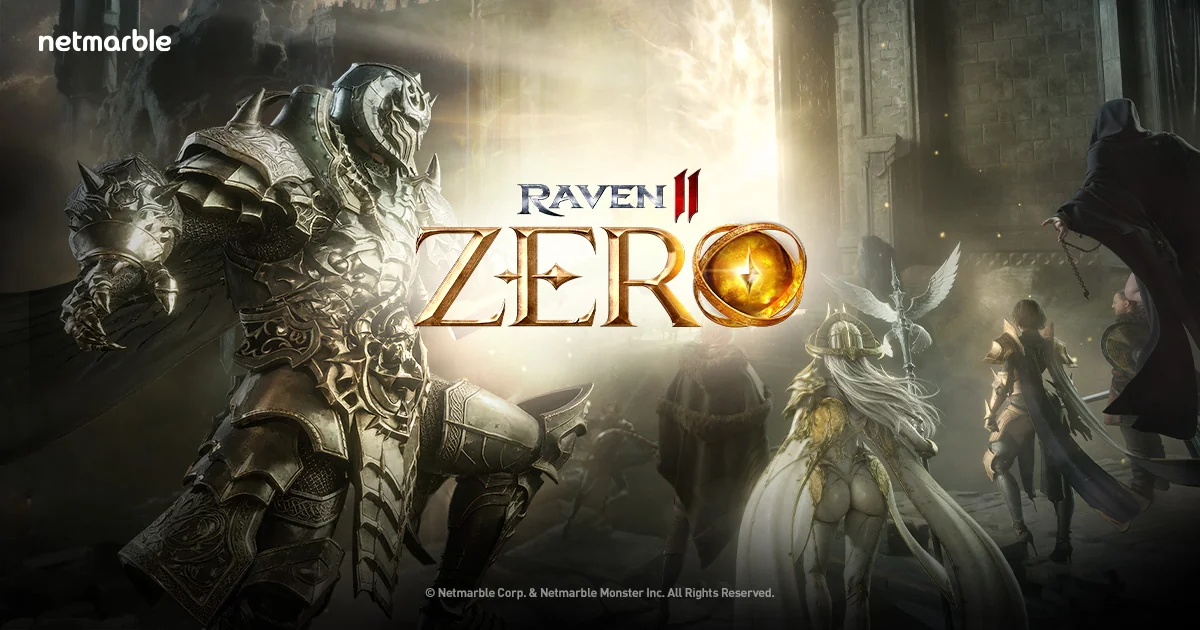
RAVEN2 server ZERO (15 Sep) — farm 24/7 with AFKPal
Netmarble's RAVEN2 fresh-start server ZERO opens 15 September 2026 (UTC+0). Move Farmed Crystal field hunts and Auto-Combat to a dedicated AFKPal Android and keep your main phone free.
RAVEN2 is supported on AFKPal
Install the official Google Play release on your dedicated AFKPal cloud Android, use the game's built-in farming features, and disconnect without stopping the cloud phone.
RAVEN2 fresh-start server ZERO opens 15 September
Netmarble has opened pre-registration for ZERO, the fresh-start server for its dark fantasy MMORPG RAVEN2. The dedicated ZERO page and Netmarble's PR Newswire release (2 September 2026) both put the grand opening on 15 September 2026 (UTC+0). Pre-registration through the official site runs until 15 September 2026 (Tue), 14:59 (UTC+0).
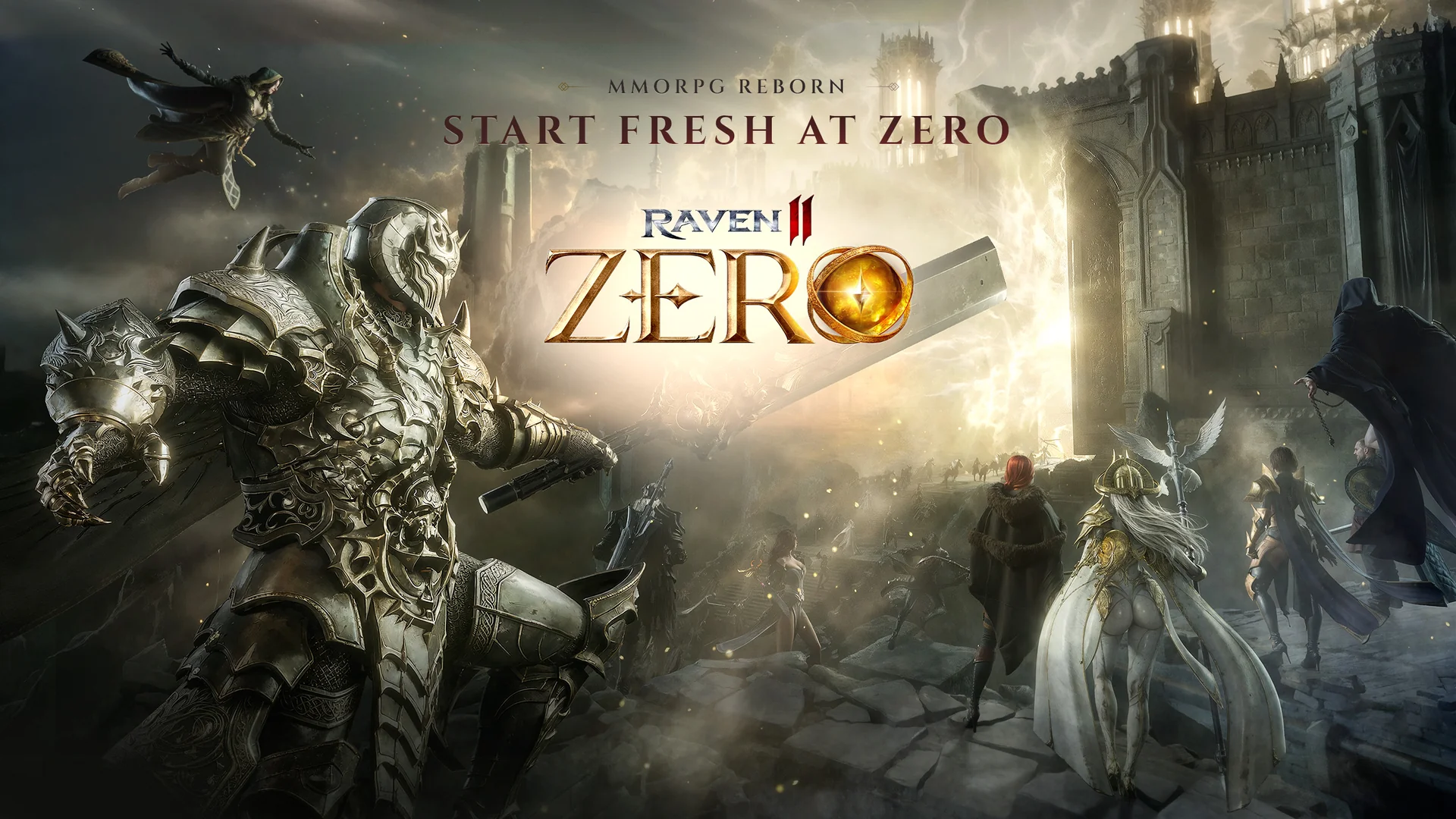
ZERO is positioned for long field hunts: the official page highlights Farmed Crystals earned from hunting, plus greatly increased equipment drop rate and hunting EXP. RAVEN2's own client already ships Auto-Combat, Mission Itinerary, and Power Saving Mode (official Game Guide). That leave-on loop fits a dedicated AFKPal cloud Android — install the official Google Play build, start in-game Auto-Combat on a field you can hold, and disconnect without stopping the remote phone.
RAVEN2 is listed among the games AFKPal has battle-tested. AFKPal is the always-on phone, not a bot or macro tool.
Why ZERO field hunting fits an AFKPal cloud phone
On ZERO, growth is built around hours of field hunting for Farmed Crystals, equipment, and EXP, plus scheduled Mission Itinerary runs and inventory check-ins. Official Auto-Combat keeps battles running while the client stays open; Mission Itinerary can chain Kingdom (field) and dungeon slots automatically; Hunting Records log Auto Combat sessions so you can compare spots later.
Running that on the phone you use all day occupies the screen, heats the device, and burns battery. With AFKPal, the game runs on another Android phone hosted in the cloud:
- Your main phone stays free. Closing the AFKPal viewer does not close the cloud phone.
- Leave-on hunting continues 24/7. The remote Android stays powered and online while you work or sleep. RAVEN2 still needs the official client running for Auto-Combat and field Farmed Crystals — this is leave-on AFK, not an offline idle ticker.
- No battery drain or gaming heat on your device. Your phone only streams the screen while you are connected.
- Your installation persists. The game, account, Auto-Combat settings, and character stay on your dedicated cloud phone between sessions.
- You can check from anywhere. Reconnect from iOS, Android, or a modern browser.
- Google Play is available. Install the official Netmarble listing rather than an unknown APK mirror.
Netmarble also documents an official Offline Mode (up to 12 hours per day, accessed from Power Saving Mode). That is a publisher feature with its own daily limit. AFKPal does not replace Offline Mode; it is a dedicated Android you leave running for long Auto-Combat / Mission Itinerary sessions when you want the full leave-on client.
How to install RAVEN2 on AFKPal
- Create or sign in to your AFKPal account and activate a cloud Android phone.
- Open the cloud phone from the AFKPal app or web dashboard.
- Launch Google Play and search for RAVEN2 by Netmarble. Confirm the package is
com.netmarble.raven2(the package linked from the official ZERO page). - Install the game, grant required permissions, download its patch files, and sign in with the Netmarble account you want to use (Email, Google, Apple, or Facebook per the official install guide).
- Pre-register on the official ZERO site if you still can (deadline 15 September 2026, 14:59 UTC+0), then create or load a character on ZERO after the server opens on 15 September 2026 (UTC+0). Exact clock time for the open was not published beyond that UTC+0 date — check in-game notices and the official site near launch.
- Open Auto-Combat and combat options from the official controls: tap the Auto-Combat button to fight automatically; enable Auto-Obtain under Options > Combat/Control > Obtain Loot if you want drops picked up for you.
- Optionally open Menu > Mission Itinerary, add Kingdom (field) and/or dungeon slots with durations you can afford, set potion / search options, and press Start.
- Move to a hunting area your character can clear reliably, check potions and bag space, then start Auto-Combat or Mission Itinerary.
- Leave the AFKPal viewer. Do not power off, restart, or stop the cloud phone — the game continues running there.
- Reopen AFKPal later to clear inventory, restock consumables, claim pre-reg / event mail, review Hunting Records, or move the character.
A practical 24/7 ZERO farming routine
Before a long session, pick monsters you can defeat without repeated deaths. Official ZERO copy stresses Farmed Crystals from field hunts and higher drop / EXP rates — a slightly easier field that runs uninterrupted is usually better than a dangerous spot that empties potions or fills the bag.
Use Auto-Combat for continuous field hunting, and Mission Itinerary when you want a saved route of fields and dailies. After an itinerary ends, the official guide notes the character continues hunting in the current area (outside time-limited dungeons). Return for inventory dumps, enhancement, summons, guild Field Boss windows, and ZERO launch events (the PR lists up to 550 Summon Scrolls, Legendary Holy Garment / Familiar rewards, level milestone chests, and a Special Corps Growth Event after opening).
AFKPal keeps the Android available; RAVEN2's own Auto-Combat, Mission Itinerary, and Offline Mode rules determine what the character actually does.
What AFKPal does — and what it does not do
AFKPal provides the remote Android device, persistent storage, Google Play access, and encrypted remote viewing and control. It does not modify RAVEN2, inject game code, create Farmed Crystals or EXP, bypass anti-cheat systems, or guarantee progression.
Use Auto-Combat, Mission Itinerary, Power Saving Mode, and Offline Mode as supplied by Netmarble, follow the publisher's rules, and protect your account credentials. AFKPal is the always-on phone; RAVEN2 remains the game and controls its own mechanics, rewards, and policies.
ZERO dates and official information
Verified from primary sources as of 2 September 2026:
- Pre-registration: open now on the official ZERO page; ends 15 September 2026 (Tue), 14:59 (UTC+0). Completing website pre-registration unlocks the [ZERO] Special Starter Package (contents listed in the PR: Heroic Holy Garment / Familiar summon scrolls, accessory and relic chests, Spec. C Enhancement Stone Chests, and 5 million Gold).
- Grand opening: 15 September 2026 (UTC+0) per PR Newswire and the official ZERO campaign. Clock time beyond that date label was not published on those pages.
- Server design (official): Farmed Crystals from field hunts; greatly increased equipment drop rate and hunting EXP; Mythic Summons and Awakening removed to reduce power gap; no unrestricted PvP; guild-focused Field Boss hunts; revamped Abyss; rebalanced Accuracy.
- Official Android package:
com.netmarble.raven2on Google Play (Netmarble), linked from raven2w.netmarble.com. iOS listing: App Store id 6448719154. Epic Games Store PC listing is also linked from the official site. - AFK systems (official Game Guide): Auto-Combat, Auto-Obtain, Mission Itinerary, Hunting Records, Power Saving Mode, and Offline Mode (12 hours/day, resets 15:00 UTC-5).
Schedules, store availability, and device requirements can change. Check the official ZERO page, Game Guide, and Google Play listing before relying on time-sensitive details.
AFKPal will keep expanding this RAVEN2 hub with setup findings and verified ZERO event information as the live server evolves.
Primary sources
- RAVEN2's Fresh Start Server "ZERO" Now Open for Pre-Registration — PR Newswire / Netmarble Corporation
- RAVEN2 — ZERO (official pre-registration page) — Netmarble / RAVEN2
- RAVEN2 official website — Netmarble / RAVEN2
- RAVEN2 on Google Play — Google Play / Netmarble
- RAVEN2 on the App Store — App Store / Netmarble Corporation
- Movement & Combat (Mobile) — Auto-Combat — RAVEN2 Official Game Guide
- Combat Control — RAVEN2 Official Game Guide
- Hunting Records — RAVEN2 Official Game Guide
- Mission Itinerary — RAVEN2 Official Game Guide
- Power Saving & Offline Mode — RAVEN2 Official Game Guide
- How to Install (Mobile) — RAVEN2 Official Game Guide
Game publishers can change events, eligibility, and menus. Official notices take precedence over this tracker.