Roblox cloud phone — online 24/7 on AFKPal
Roblox runs on AFKPal. Pick the region closest to you, install the official Google Play app, and play from any screen while the cloud phone stays on — with an honest look at Roblox's 20-minute idle rule.
Roblox is supported on AFKPal
Install the official Google Play release on your dedicated AFKPal cloud Android, use the game's built-in farming features, and disconnect without stopping the cloud phone.
Roblox runs on AFKPal — on a phone that never sleeps
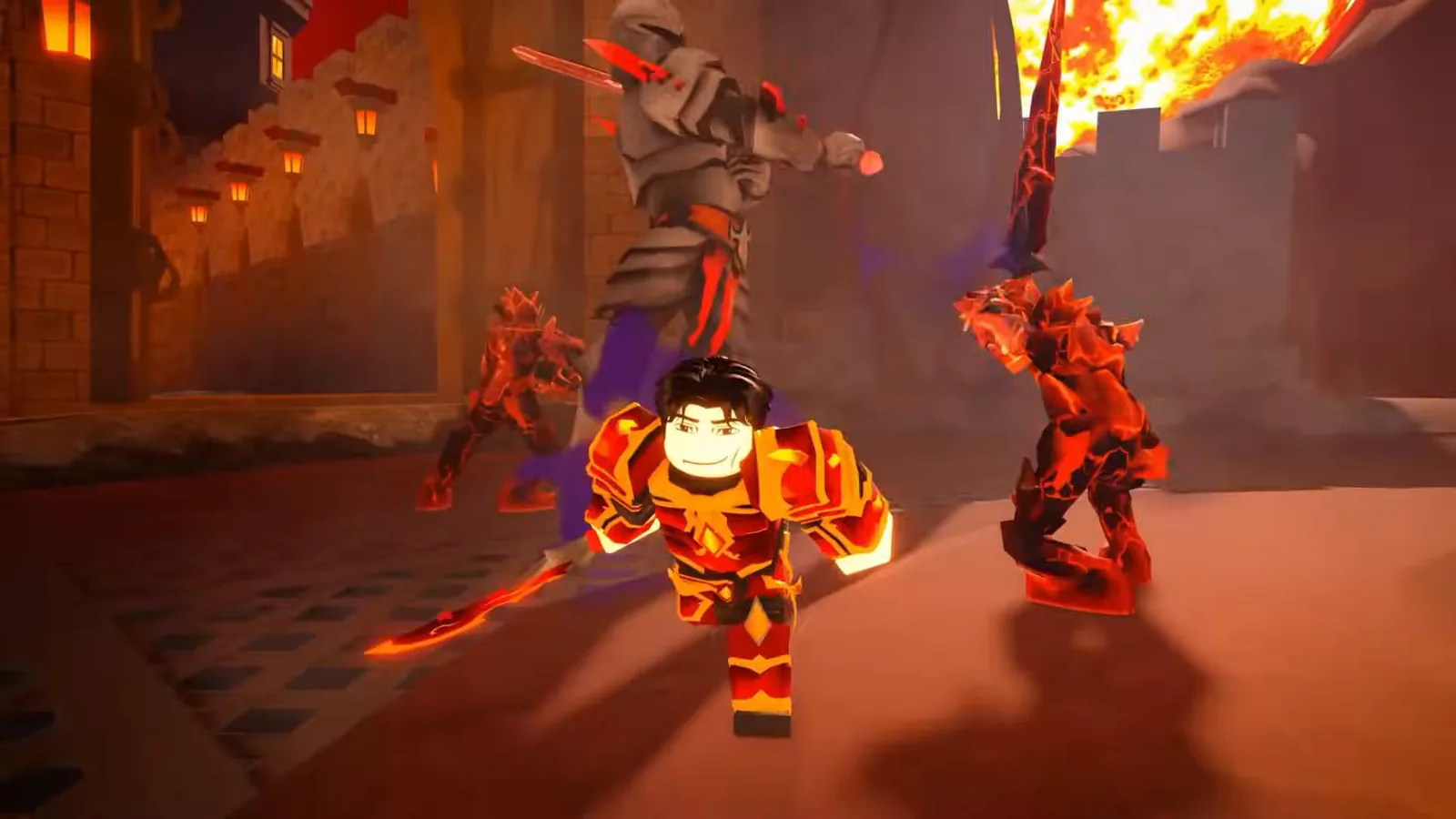
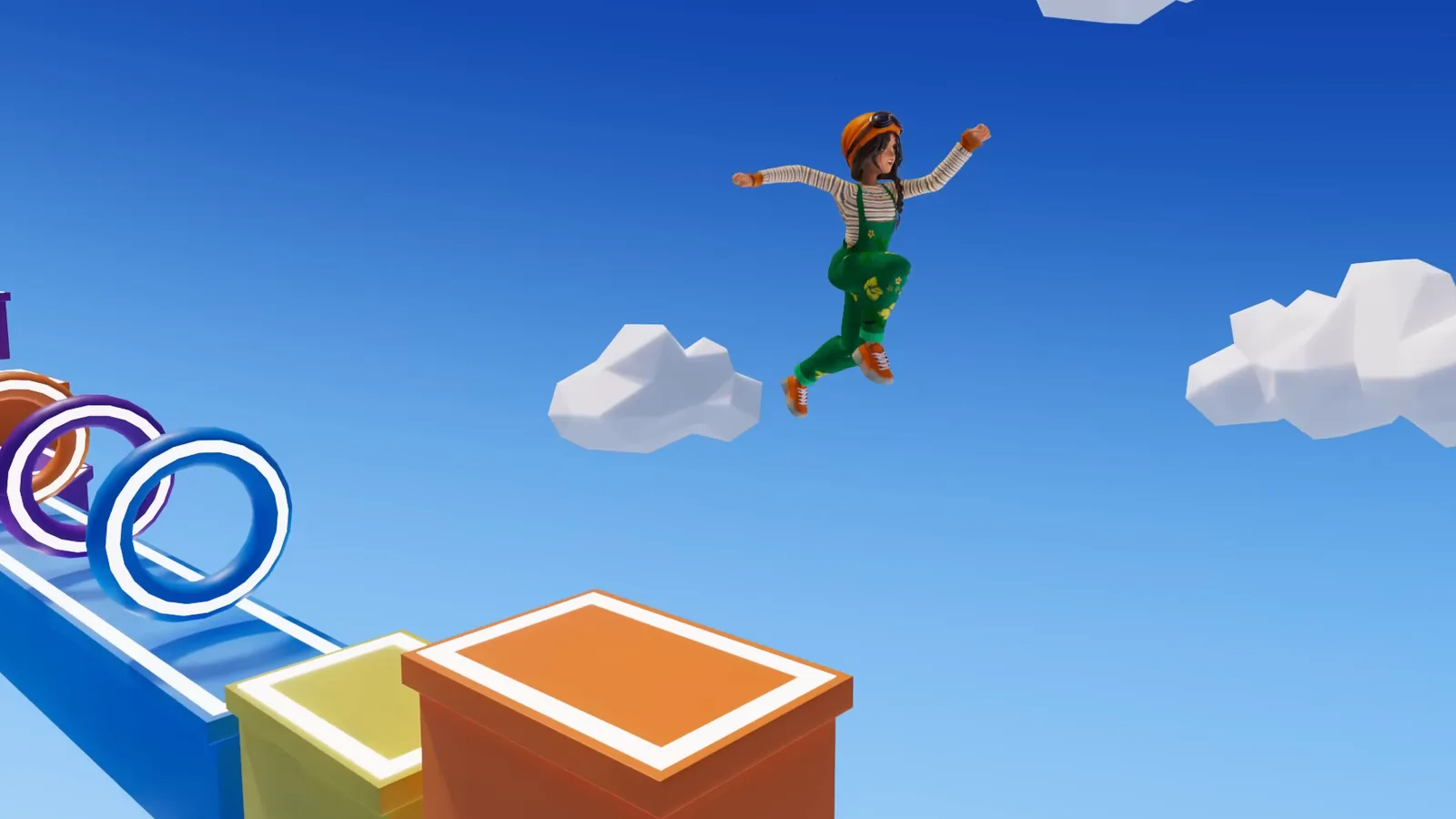
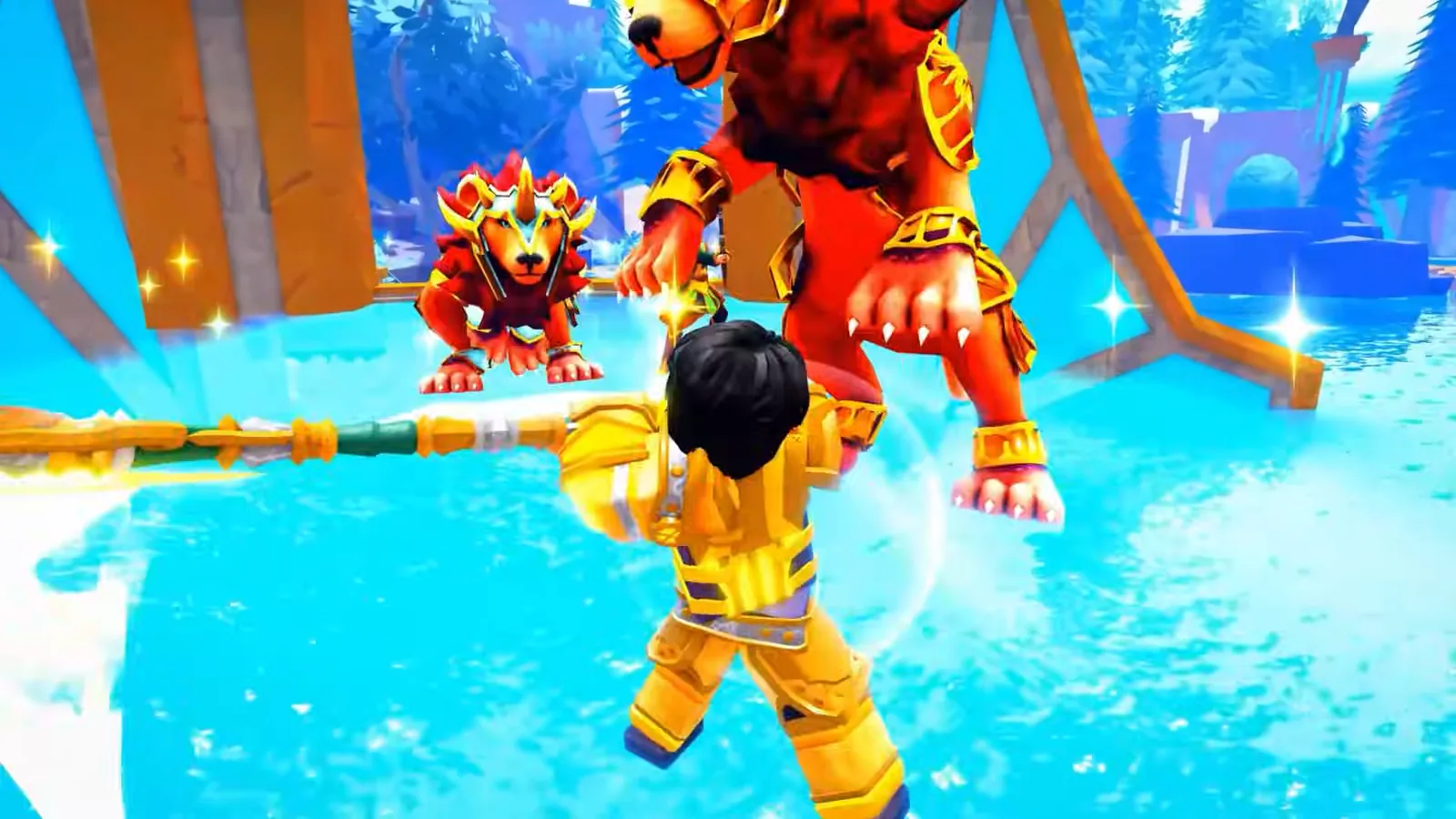
Roblox is Roblox Corporation's platform of millions of player-made experiences: obstacle courses (obbies), RPGs, simulators, tycoons, role-play towns, racing, horror, anime and sports games. It is cross-platform, so you play with friends across mobile, tablet, PC, console and VR headsets.
Roblox runs on AFKPal. Install the official Roblox app from Google Play on a dedicated cloud phone, sign in, and play from your phone, tablet or a web browser. When you close the viewer, the cloud phone and the Roblox app stay on.
One honest point up front: Roblox disconnects players who have been idle for 20 minutes, on any device. AFKPal keeps the phone online around the clock. It does not change Roblox's rules. The section on the 20-minute idle rule below explains what that means for "AFK" play.
Pick the AFKPal region closest to you
Roblox is one global platform. You don't pick a server region in the app, because Roblox chooses which game server you join. Its default matchmaking uses signals such as player location and latency. Roblox runs on the cloud phone, so the phone's region is the location Roblox sees.
AFKPal runs cloud phones in Brazil, the United States, Germany, Singapore, Malaysia and Japan. You choose the region when you start your phone. Pick the one closest to where you play from:
| Where you play from | AFKPal region |
|---|---|
| Brazil and the rest of South America | Brazil |
| United States, Canada, Mexico and Central America | United States |
| Europe | Germany |
| Singapore, Malaysia, Indonesia, Thailand, the Philippines, Vietnam | Singapore or Malaysia |
| Japan, South Korea, Taiwan, Hong Kong | Japan |
The closest region keeps the stream to your device responsive, and it puts the cloud phone near you when Roblox matches it to a server.
Roblox or Roblox VN: which app to install
Two official Roblox apps matter here. Install the one that applies where you live:
| App | Google Play package | Publisher | Who it's for |
|---|---|---|---|
| Roblox | com.roblox.client |
Roblox Corporation | Players everywhere outside Vietnam. This is the one almost everyone needs. |
| Roblox VN | com.roblox.client.vnggames |
VNGGames Co., Ltd | Players in Vietnam. VNG is Roblox's official publisher there and launched it on 13 August 2024. |
VNG says gameplay on its edition is identical to the international version, and Vietnamese players' account data is transferred to their Roblox VN account. Its listing invites existing Roblox players to log in with their current account.
Roblox's Community Standards don't allow using VPNs to mask your location to gain unauthorized access to Roblox or a feature. A cloud phone's region is not a way around regional rules. Install the edition meant for where you actually are, and only from these official Google Play listings — never an APK from another site.
The 20-minute idle rule: what "AFK" means in Roblox
Roblox's own Creator Documentation says it plainly: Roblox automatically disconnects players who have been idle for at least 20 minutes. That applies on a phone, a PC, a console and a cloud phone alike.
Here is what that means on AFKPal:
- The phone and the app stay on. The cloud phone stays online 24/7 for your whole billing period, and Roblox stays open on it. If you stop giving input inside an experience, Roblox disconnects you from that server after about 20 minutes. The app is still there on the cloud phone, ready for you to rejoin from any device.
- Each experience decides how progress works while you're away. Roblox's documentation notes that creators can build their own away-from-keyboard (AFK) features. Some experiences run timers or rewards on their own servers, some have AFK areas, and many need you actively playing. Read each experience's description and rules.
- Don't try to dodge the idle rule. Roblox's Community Standards ban cheating and exploits, and bots or automation programmed to run disruptive tasks. Check each experience's rules too — many ban macros and auto-clickers. AFKPal doesn't run any of these, and we don't recommend them.
Why Roblox fits an AFKPal cloud phone
A lot of Roblox play happens in long sessions: grinding a simulator, building up a tycoon, a role-play night with friends. On your daily phone, that ties up the screen, heats the device and drains the battery.
With AFKPal, Roblox runs on a separate Android phone in the cloud:
- Your main phone stays free and cool. The game runs on the cloud phone; your device only streams the screen while you watch.
- Switch devices without leaving the server. Start on your phone, then pick up the same session in a browser on your laptop. Roblox never closes, because it runs on the cloud phone. As long as you're back before Roblox's 20-minute idle limit, you can stay in the same server.
- Play from any screen. Connect from iOS, Android or a modern web browser.
- Your setup persists. Roblox, your login and your settings stay on your dedicated cloud phone between sessions.
- Official Google Play install. Use Roblox Corporation's listing (or VNG's in Vietnam), not an APK mirror.
How to set up Roblox on AFKPal
- Create or sign in to your AFKPal account and start a cloud phone in the region closest to you.
- Open the cloud phone from the AFKPal app or the web dashboard.
- Open Google Play, search for Roblox, and check the publisher and package: Roblox Corporation,
com.roblox.client. In Vietnam, use Roblox VN by VNGGames,com.roblox.client.vnggames. - Install it and sign in to your Roblox account.
- Turn on 2-Step Verification in your Roblox account's security settings if you haven't already. Roblox can send you a login code by email, or you can use an authenticator app.
- Join your experience and play.
- When you're done, close the AFKPal viewer. Don't power off or restart the cloud phone — Roblox stays open there.
- Come back from any device. If Roblox disconnected you for inactivity, just rejoin.
A practical Roblox routine
Long sessions without the battery cost. Run your grinding, simulator or tycoon sessions on the cloud phone. Your own phone stays cool, and you can stop watching without closing the game.
Timer-based experiences. If an experience you play works on timers, check in from any device when they're ready. Roblox is already installed, open and signed in on the cloud phone, so getting back in takes seconds.
Hand-offs during the day. Play on your phone on the bus, then carry on in a browser at home in the same server. Just keep the 20-minute idle rule in mind between hand-offs.
Nights with friends. Hosting a private server or joining friends? The cloud phone does the heavy lifting while you play from whichever screen is closest.
What to look for in a Roblox cloud phone
| What matters for Roblox | AFKPal |
|---|---|
| A region near you | Brazil, United States, Germany, Singapore, Malaysia and Japan |
| A dedicated device | One private cloud phone per plan, never shared |
| Official Google Play | Full Google Play services on board |
| Stays on after you close the app | Online 24/7 for the whole billing period |
| Play from any screen | iOS, Android and web browser |
| More than one account | Add another plan for another phone |
What AFKPal does — and what it does not do
AFKPal provides the cloud phone, its storage, Google Play, and encrypted remote viewing and control. It does not modify Roblox, inject code, run bots, macros or auto-clickers, bypass anti-cheat or Roblox's idle disconnect, or guarantee progress in any experience.
Follow Roblox's Terms of Use and Community Standards, plus each experience's own rules. Keep your login safe: turn on 2-Step Verification and never share your password. Roblox's parental controls are set on the Roblox account, so families can manage them as usual. AFKPal is the always-on phone; Roblox remains the game.
Roblox FAQ
Is AFKPal a good cloud phone for Roblox?
Yes. Roblox runs on AFKPal's dedicated cloud phones from the official Google Play app. The phone stays online 24/7 after you close the AFKPal app, you can play from iOS, Android or a browser, and you can place the phone in Brazil, the US, Germany, Singapore, Malaysia or Japan.
Can I AFK in Roblox 24/7 on AFKPal?
Closing AFKPal doesn't close Roblox: the cloud phone and the Roblox app stay on 24/7. But Roblox itself disconnects players who are idle for 20 minutes, and AFKPal does not change that. How progress works while you're away depends on each experience, and you can rejoin from any device.
Which AFKPal region should I pick for Roblox?
The one closest to you: Brazil for South America, the United States for North and Central America, Germany for Europe, Singapore or Malaysia for Southeast Asia, and Japan for Japan, Korea, Taiwan and Hong Kong. Roblox chooses the game server itself.
Should I install Roblox or Roblox VN?
Install Roblox (com.roblox.client, by Roblox Corporation) unless you play in Vietnam. Roblox VN (com.roblox.client.vnggames) is the official Vietnam edition published by VNGGames.
Can I run more than one Roblox account?
Each AFKPal plan is one cloud phone, so two accounts online at once means two phones. Check Roblox's current Terms of Use first.
Official information
Checked against Roblox's official documentation, the official Google Play listings and VNG's announcements on 2 October 2026.
- Developer: Roblox Corporation. Android package:
com.roblox.client. Google Play shows more than 1 billion downloads. The listing says a network connection is required and lists cross-platform play on mobile, tablet, PC, console and VR headsets. - Roblox VN: published in Vietnam by VNGGames Co., Ltd. Android package:
com.roblox.client.vnggames. VNG became Roblox's official publisher in Vietnam in May 2024 and launched the app on 13 August 2024. - Idle rule: Roblox automatically disconnects players who have been idle for at least 20 minutes (Roblox Creator Documentation,
Player.Idled). - Matchmaking: Roblox's default matchmaking uses signals such as player location, age group and latency.
- Rules: Roblox's Community Standards prohibit cheating and exploits, disruptive bots or automation, and using VPNs to mask your location to gain unauthorized access.
- Account security: Roblox offers 2-Step Verification. Login codes can come by email or from an authenticator app.
Store availability, features and rules change. Check Roblox's official channels, VNG's (for Roblox VN) and the Google Play listings before relying on time-sensitive details.
Primary sources
- Roblox on Google Play — Google Play / Roblox Corporation
- Roblox VN on Google Play — Google Play / VNGGames Co., Ltd
- VNGGames officially launches summer blockbuster games (Roblox - VNG launched on August 13, 2024) — VNG Corporation
- VNG becomes the official publisher of Roblox in Viet Nam — Viet Nam News
- Roblox Creator Documentation: Player (Player.Idled — Roblox disconnects players idle for at least 20 minutes) — Roblox (official creator-docs repository)
- Roblox Creator Documentation: Matchmaking attributes and signals — Roblox (official creator-docs repository)
- Roblox Community Standards — Roblox
- Roblox Creator Documentation: Intro to digital safety (2-Step Verification) — Roblox (official creator-docs repository)
- Dungeon Heroes Spotlight (official video) — Roblox on YouTube
- Welcome to Roblox: Discover a World of Imagination (official video) — Roblox on YouTube
Game publishers can change events, eligibility, and menus. Official notices take precedence over this tracker.