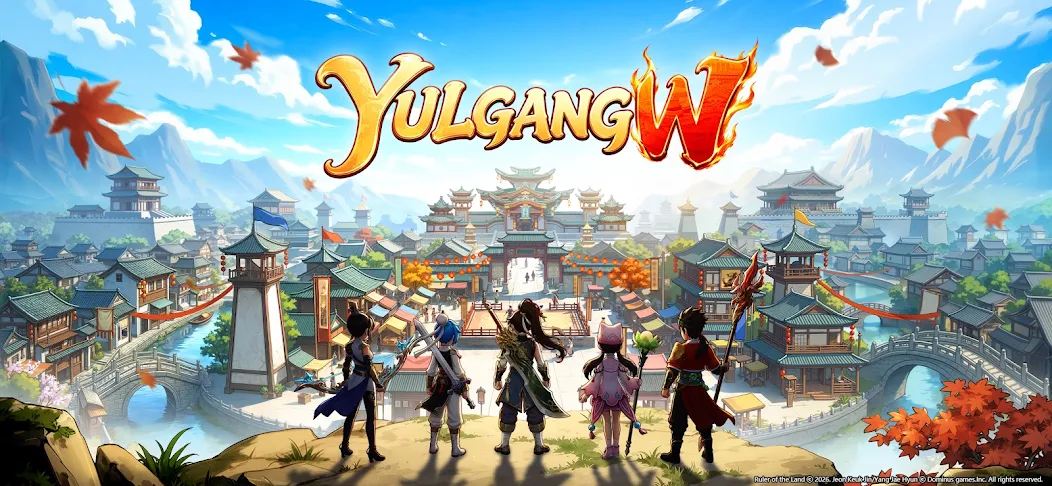
Yulgang W launches in SEA — farm 24/7 with AFKPal
Yulgang W is live across Southeast Asia and supported on AFKPal. Move its long farming sessions to a dedicated cloud Android and keep your main phone free.
Yulgang W is supported on AFKPal
Install the official Google Play release on your dedicated AFKPal cloud Android, use the game's built-in farming features, and disconnect without stopping the cloud phone.
Yulgang W is now live across Southeast Asia
EFUN has launched Yulgang W, a new mobile MMORPG based on the long-running Yulgang universe. The official release is available for players in Thailand, Indonesia, Malaysia, Singapore, and the Philippines, with five classic classes, open-world progression, trading, houses, PvP, and long AFK-friendly character growth.
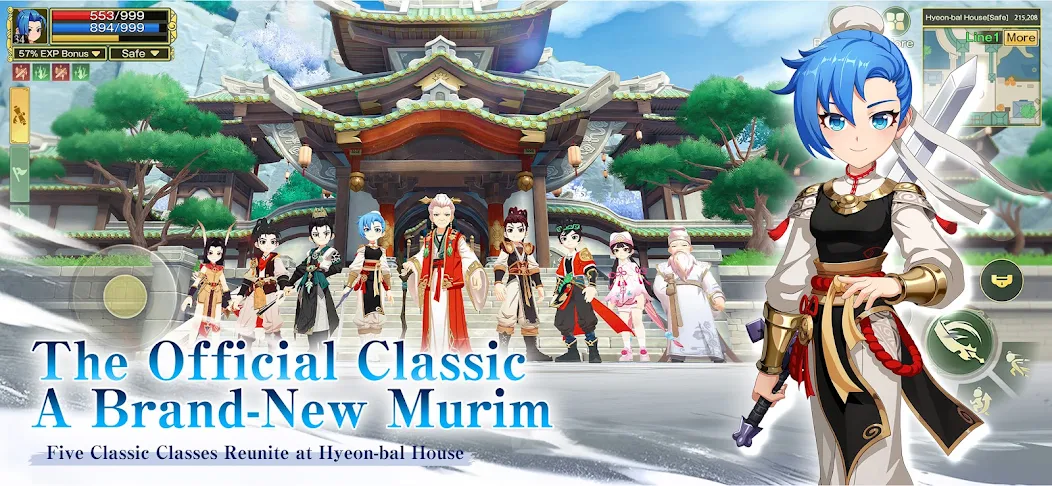
The game is supported on AFKPal. Instead of leaving Yulgang W open on the phone you use all day, you can install it on a dedicated AFKPal Android in the cloud and reconnect whenever you want to check progress.
Why Yulgang W fits an AFKPal cloud phone
MMORPG progression often involves long periods of auto-combat, gathering, repeat quests, dungeon preparation, and market management. Running those sessions locally occupies your screen, heats the device, consumes battery cycles, and makes it harder to use your phone for calls, messages, work, maps, or other games.
With AFKPal, the game runs on another Android phone hosted in the cloud:
- Your main phone stays free. Closing the AFKPal viewer does not close the cloud phone.
- Farming continues 24/7. The remote Android stays powered and online while you work or sleep.
- No battery drain or gaming heat on your device. Your phone only streams the screen while you are connected.
- Your installation persists. The game, account, and settings remain on your dedicated cloud phone between sessions.
- You can check from anywhere. Reconnect from iOS, Android, or a modern browser.
- Google Play is available. Install the official EFUN release rather than an unknown APK mirror.
How to install Yulgang W on AFKPal
- Create or sign in to your AFKPal account and activate a cloud Android phone.
- Open the cloud phone from the AFKPal app or web dashboard.
- Launch Google Play and search for Yulgang W by EFUN COMPANY LIMITED. Confirm the package is
com.efun.aerxjhw.sea. - Install the game, download its additional files, and sign in to the game account you want to use.
- Configure the farming and auto-combat options provided inside Yulgang W.
- Move your character to an appropriate safe farming area, verify consumables and inventory space, and start the in-game activity.
- Leave the AFKPal viewer. Do not power off, restart, or stop the cloud phone—the game continues running there.
- Reopen AFKPal later to collect rewards, clear inventory, complete time-limited content, or move to a better farming area.
A practical 24/7 farming routine
Before leaving a long session, choose monsters your character can defeat reliably and check that recovery items, equipment durability, and bag space will last. A slightly easier area that runs uninterrupted is often more productive than a difficult area that causes repeated deaths or fills the inventory quickly.
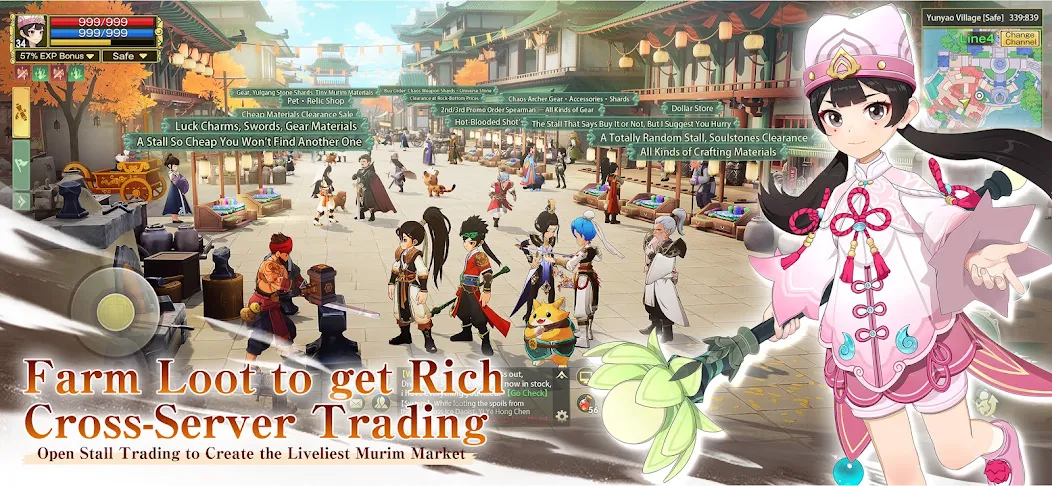
Return periodically for daily resets, event windows, equipment upgrades, market listings, and inventory management. AFKPal keeps the Android available; your in-game setup determines what the character actually does.
What AFKPal does — and what it does not do
AFKPal provides the remote Android device, persistent storage, Google Play access, and encrypted remote viewing and control. It does not modify Yulgang W, inject game code, create resources, bypass anti-cheat systems, or guarantee progression.
Use the automation and AFK systems supplied by the game itself, follow EFUN's rules, and protect your account credentials. AFKPal is the always-on phone; Yulgang W remains the game and controls its own mechanics, rewards, and policies.
SEA launch availability and official information
The official release targets Thailand, Indonesia, Malaysia, Singapore, and the Philippines. Availability, events, server schedules, and device requirements can change, so check the official Yulgang W website and Google Play listing before relying on time-sensitive details.
AFKPal will keep expanding this Yulgang W hub with setup findings, farming guides, and verified event information as the live game evolves.
Primary sources
- Yulgang W official website — EFUN
- Yulgang W on Google Play — Google Play / EFUN
Game publishers can change events, eligibility, and menus. Official notices take precedence over this tracker.