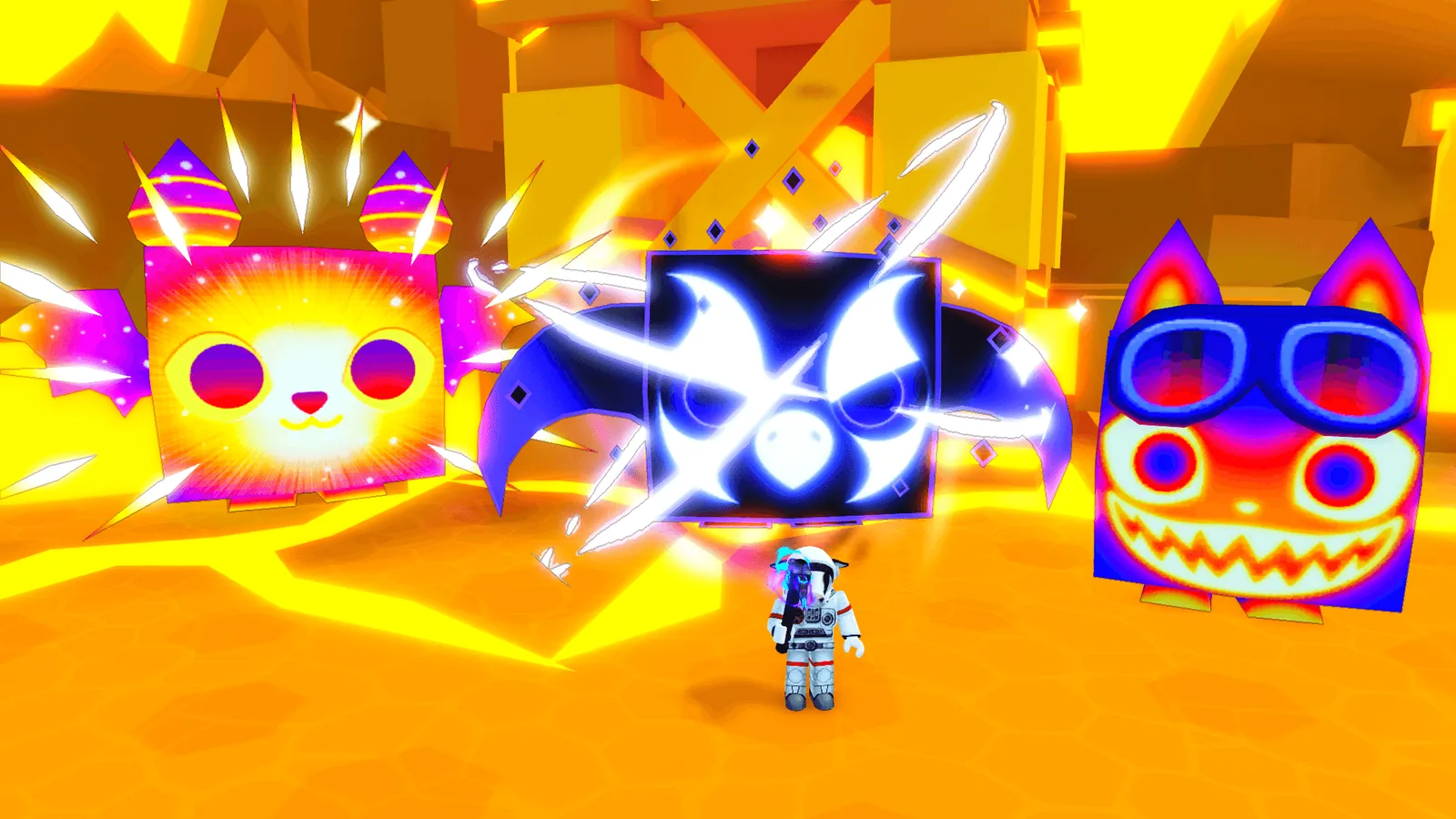
Pet Simulator 99 on a Roblox cloud phone — AFK 24/7 on AFKPal
PS99 runs on AFKPal. Install the official Roblox app, switch on BIG Games' own autos like Auto Hatch and Auto Mine, and close the viewer — with an honest look at what's free, what's a gamepass and how the idle rule works.
Roblox is supported on AFKPal
Install the official Google Play release on your dedicated AFKPal cloud Android, use the game's built-in farming features, and disconnect without stopping the cloud phone.
Pet Simulator 99 runs on AFKPal — and BIG Games built it for AFK
Pet Simulator 99 (PS99) is BIG Games' pet-collecting simulator on Roblox, published by the verified BIG Games Pets group. You break coins and chests, hatch eggs, and build a team from more than 3,000 pets, chasing Huge, Titanic and Gargantuan ones. New events arrive almost every week. When we checked on 2 October 2026, PS99 had more than 2.6 billion visits and about 28,000 people playing at once.
PS99 runs on AFKPal. Install the official Roblox app from Google Play on a dedicated cloud phone, join PS99, switch on the game's own auto features, and close the viewer. The cloud phone and Roblox stay on while your own phone stays free.
PS99 is built with AFK play in mind, and that's BIG Games' design, not ours. The game has its own autos and its own anti-AFK system. Roblox still disconnects idle players after 20 minutes, and AFKPal doesn't change that. Our main Roblox guide covers the idle rule in detail. The section on the idle rule below explains how it works in PS99.
Pick the AFKPal region closest to you
PS99 has no server-region menu. Roblox chooses which server you join. PS99 runs on the cloud phone, so the phone's region is the location Roblox sees. AFKPal runs cloud phones in Brazil, the United States, Germany, Singapore, Malaysia and Japan, and you choose the region when you start your phone:
| Where you play from | AFKPal region |
|---|---|
| Brazil and the rest of South America | Brazil |
| United States, Canada, Mexico and Central America | United States |
| Europe | Germany |
| Singapore, Malaysia, Indonesia, Thailand, the Philippines, Vietnam | Singapore or Malaysia |
| Japan, South Korea, Taiwan, Hong Kong | Japan |
The closest region keeps the stream to your device responsive when you check on your pets.
PS99's own auto features: what's free, what's a gamepass
Everything below is a PS99 feature, made and documented by BIG Games:
| Feature | What BIG Games says it does | Free or paid |
|---|---|---|
| Auto Hatch | Hatches eggs for you. BIG Games' patch notes say it stays on until you turn it off and switches back on after a server restart. | Built in, not a gamepass |
| Auto Farm! | "Pets stay in areas on command!" | Gamepass (Robux) |
| Auto Tap! | "Automatically tap breakables!" | Gamepass (Robux) |
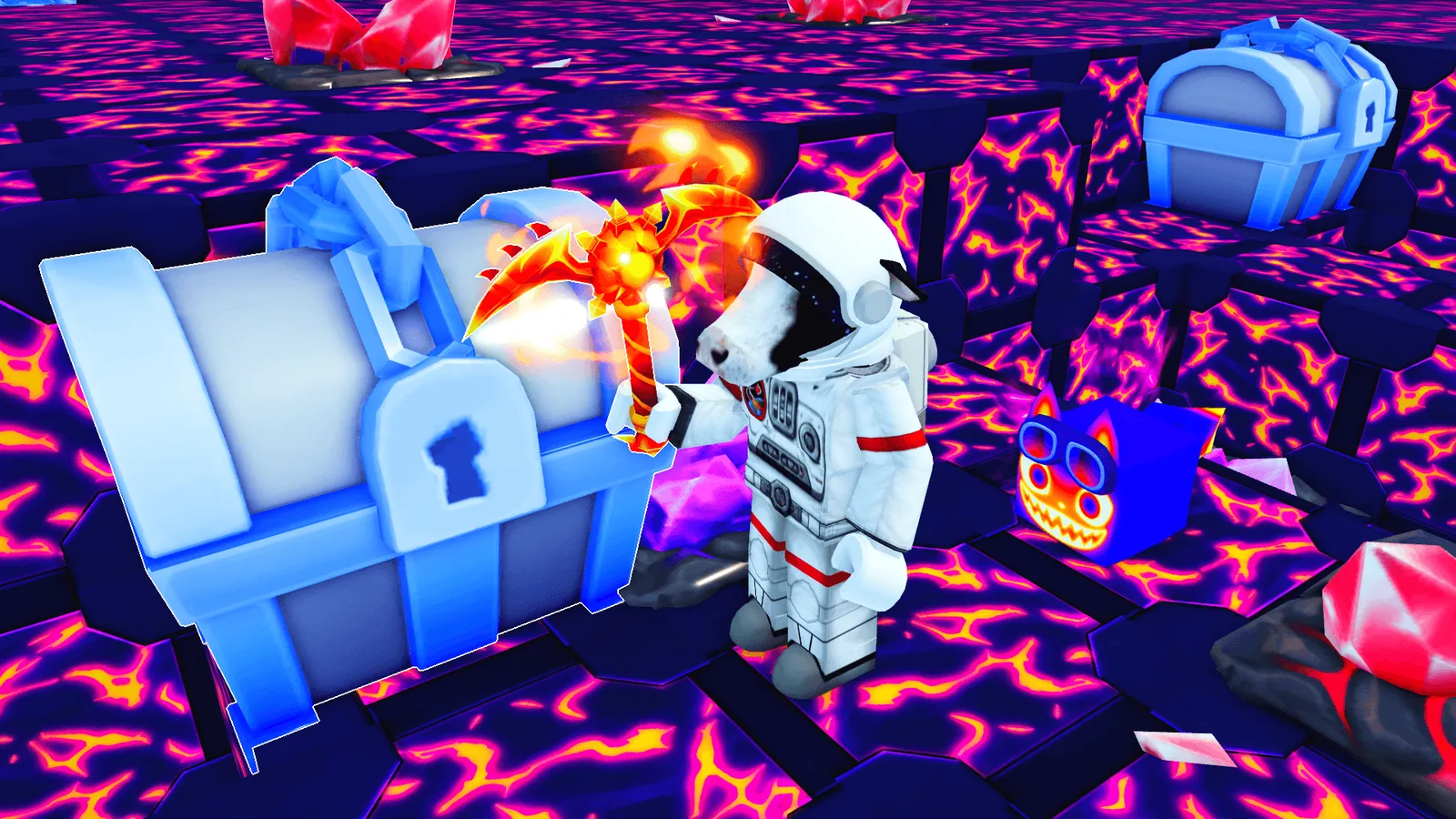
| Auto Mine (current Space Mine event) | "Flip on Auto Mine and let it dig! It finds the next block all by itself. Perfect for AFK grinding and ore hunting!" | Event feature. The notes don't mention a gamepass. |
Events bring their own autos, and some are free for everyone. In the Lucky Block Breakout event (22 August 2026), BIG Games gave all players Auto Tap, Auto Hatch and Auto Rebirth inside the arena: "No gamepass needed, they're completely FREE."
A few events even earn while you're offline. In the Coin Arcade (5 September 2026), pets kept grinding "even while you're OFFLINE," filling a Coin Tray in each zone. A full tray stopped earning Tokens, so you still had to check in and claim it.
You don't need any gamepass to run PS99 on AFKPal. Buying Auto Farm or Auto Tap is your call — or a parent's, for younger players.
The 20-minute idle rule in Pet Simulator 99
Roblox automatically disconnects players who have been idle for at least 20 minutes, on any device. Its Creator Documentation notes that developers can build their own away-from-keyboard (AFK) features. BIG Games did:
- Anti-AFK teleportation. On 30 December 2023, BIG Games added "reboot & anti-afk teleportation which should keep you in the game better." Later patch notes fixed autos that stopped after an "automatic relog."
- Autos are meant to survive the 20-minute mark. On 15 August 2026, BIG Games listed a fix for "Auto Raid players getting kicked after 20 minutes."
- What runs where. Auto Hatch, Auto Farm, Auto Tap and event autos like Auto Mine work while your avatar is in a server. A few features keep earning even while you're fully offline, such as the Coin Arcade event.
- What AFKPal does. AFKPal keeps the phone and Roblox open 24/7, so PS99's own system has something to run on. It doesn't touch Roblox's idle rule.
- It isn't guaranteed. BIG Games says its system "should" keep you in. Servers restart and updates land weekly, so check in.
Use only PS99's built-in autos — not auto-clickers, macros or scripts. Roblox's Community Standards ban cheating and exploits, and bots or automation that run disruptive tasks. AFKPal doesn't run any of these, and we don't recommend them.
Why PS99 fits an AFKPal cloud phone
PS99 is a long-session game: hatching streaks, grinding an area for drops, digging deeper in this week's mine. On your daily phone, that ties up the screen, heats the device and drains the battery.
With AFKPal, PS99 runs on a separate Android phone in the cloud:
- Your main phone stays free and cool. Roblox runs on the cloud phone. Your device only streams the screen while you watch.
- Your autos keep going when you close the viewer. Closing AFKPal stops the stream, not the game.
- Check in from any screen. Connect from iOS, Android or a modern web browser.
- Your setup persists. Roblox, your login and your settings stay on your dedicated cloud phone between sessions.
- Official Google Play install. Use Roblox Corporation's listing, not an APK mirror.
How to set up Pet Simulator 99 on AFKPal
- Create or sign in to your AFKPal account and start a cloud phone in the region closest to you.
- Open the cloud phone from the AFKPal app or the web dashboard.
- Open Google Play, search for Roblox, and check the publisher and package: Roblox Corporation,
com.roblox.client. In Vietnam, use Roblox VN by VNGGames,com.roblox.client.vnggames. - Install it, sign in, and turn on 2-Step Verification for your Roblox account. Rare pets are worth protecting.
- Search Roblox for Pet Simulator 99 and check that the creator is BIG Games Pets. The title changes with events; on 2 October 2026 it read "⛏️ [MINE] Pet Simulator 99! 🌌".
- Join, go to the area, egg or mine you want to grind, and switch on Auto Hatch, plus Auto Farm and Auto Tap if you own those gamepasses, or the current event's auto.
- Close the AFKPal viewer. Don't power off or restart the cloud phone — Roblox stays open there.
- Come back from any device. If the server restarted or you were disconnected, rejoin and check that your autos are still on.
A practical PS99 routine
Before you leave. Pick an area your team clears comfortably and an egg you can afford for a while. Check that each auto you need is switched on.
After each weekly update. BIG Games posted a new PS99 update every Saturday from 25 July to 26 September 2026. Read the dev blog at biggames.io to see what the new event's autos do and whether they're free.
Check-ins. Drop in from your phone or a browser to claim event rewards and gifts — the VIP gamepass lists gifts every 6 hours. Then reset your autos if a server restart turned any off.
Live play. Trade, take on event bosses and push leaderboards while you're watching. The cloud phone keeps PS99 open; you make the big decisions.
What to look for in a Pet Simulator 99 cloud phone
| What matters for PS99 | AFKPal |
|---|---|
| Keeps Roblox open while you're away | Online 24/7 for the whole billing period |
| A region near you | Brazil, United States, Germany, Singapore, Malaysia and Japan |
| A dedicated device | One private cloud phone per plan, never shared |
| The official app | Full Google Play services and the official Roblox app |
| Check your autos anywhere | iOS, Android and web browser |
| More than one account | Add another plan for another phone |
What AFKPal does — and what it does not do
AFKPal provides the cloud phone, its storage, Google Play, and encrypted remote viewing and control. It does not modify Roblox or PS99, inject code, run bots, macros or auto-clickers, bypass anti-cheat or Roblox's idle disconnect, or guarantee hatches, drops or progress.
PS99's AFK features belong to BIG Games. Follow Roblox's Terms of Use and Community Standards, plus BIG Games' rules for PS99. Keep your login safe: turn on 2-Step Verification and never share your password. Families can manage Roblox's parental controls, including spending, on the Roblox account as usual. AFKPal is the always-on phone; PS99 remains the game.
Pet Simulator 99 FAQ
Can I AFK Pet Simulator 99 24/7 on AFKPal?
Yes, using PS99's own tools. AFKPal keeps the cloud phone and Roblox online 24/7. Inside the game, Auto Hatch, Auto Farm, Auto Tap and event autos do the grinding, and BIG Games' anti-AFK teleportation is designed to keep you in the game. It isn't guaranteed: servers restart, and Roblox's 20-minute idle rule still exists — our main Roblox guide explains it. Check in regularly.
Is AFKPal a good cloud phone for Pet Simulator 99?
Yes. PS99 runs on AFKPal's dedicated cloud phones through the official Roblox app from Google Play. The phone stays online 24/7 after you close the AFKPal app, and you can check your pets from iOS, Android or a browser.
Does Pet Simulator 99 keep running when I close AFKPal?
Yes. Closing the viewer only stops the stream. Roblox and PS99 keep running on the cloud phone until you stop them or the game disconnects you.
Do I need the Auto Farm gamepass to AFK in Pet Simulator 99?
No. Auto Hatch is built in, and several events have included free autos — BIG Games made Auto Tap, Auto Hatch and Auto Rebirth free in the Lucky Block Breakout arena. Auto Farm ("Pets stay in areas on command!") and Auto Tap are optional Robux gamepasses.
Which AFKPal region should I pick for Pet Simulator 99?
The one closest to you: Brazil for South America, the United States for North and Central America, Germany for Europe, Singapore or Malaysia for Southeast Asia, and Japan for Japan, Korea, Taiwan and Hong Kong. Roblox chooses the PS99 server.
Official information
Checked against the Roblox experience page, BIG Games' official dev blog and Roblox's documentation on 2 October 2026.
- Experience: Pet Simulator 99! by BIG Games Pets (BIG Games), place ID 8737899170. Roblox lists it under Simulation, Incremental Simulator. The description promises 3,000+ pets.
- Scale: more than 2.6 billion visits and about 2.2 million favorites; about 28,000 players online when checked on 2 October 2026.
- Current event: Space Mine (19 September 2026) and its follow-up Space Forge (26 September 2026), with Auto Mine and new pickaxe enchants.
- Auto gamepasses: Auto Farm! ("Pets stay in areas on command!") and Auto Tap! ("Automatically tap breakables!"), sold for Robux on the experience page.
- Anti-AFK: BIG Games added anti-AFK teleportation on 30 December 2023, and fixed Auto Raid players being kicked after 20 minutes on 15 August 2026.
- App: Roblox by Roblox Corporation,
com.roblox.client. Roblox VN (com.roblox.client.vnggames) in Vietnam. - Roblox rules: Roblox disconnects players idle for at least 20 minutes (Creator Documentation,
Player.Idled). Its Community Standards prohibit cheating, exploits and disruptive bots or automation.
Events, gamepasses and auto features change with almost every update. Check the PS99 page on Roblox and BIG Games' dev blog before relying on time-sensitive details.
Primary sources
- Pet Simulator 99! on Roblox (experience page, description and gamepass store) — Roblox / BIG Games Pets
- Space Forge! — Pet Simulator 99 dev blog (26 September 2026) — BIG Games
- Space Mine! — Pet Simulator 99 dev blog (19 September 2026, Auto Mine) — BIG Games
- Coin Arcade! — Pet Simulator 99 dev blog (5 September 2026, offline Coin Trays) — BIG Games
- Lucky Block Breakout! — Pet Simulator 99 dev blog (22 August 2026, free autos) — BIG Games
- Fiesta Forever! — Pet Simulator 99 dev blog (15 August 2026, Auto Raid 20-minute kick fix) — BIG Games
- New Year's Event! — Pet Simulator 99 dev blog (30 December 2023, anti-AFK teleportation) — BIG Games
- Roblox Creator Documentation: Player (Player.Idled — Roblox disconnects players idle for at least 20 minutes) — Roblox (official creator-docs repository)
- Roblox Community Standards — Roblox
- Roblox on Google Play — Google Play / Roblox Corporation
Game publishers can change events, eligibility, and menus. Official notices take precedence over this tracker.